Make your own board-game RPG
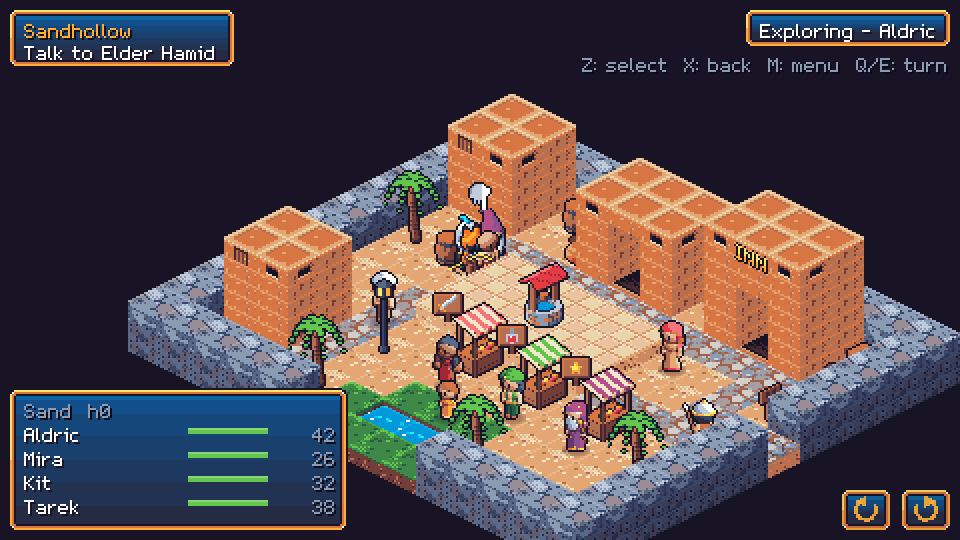
Make isometric pixel-art RPGs where your characters move around the map like board game pieces and fights play out in turns, inspired by the old Final Fantasy games. The editor runs in your browser, and there's a desktop player for your finished games.
How it works
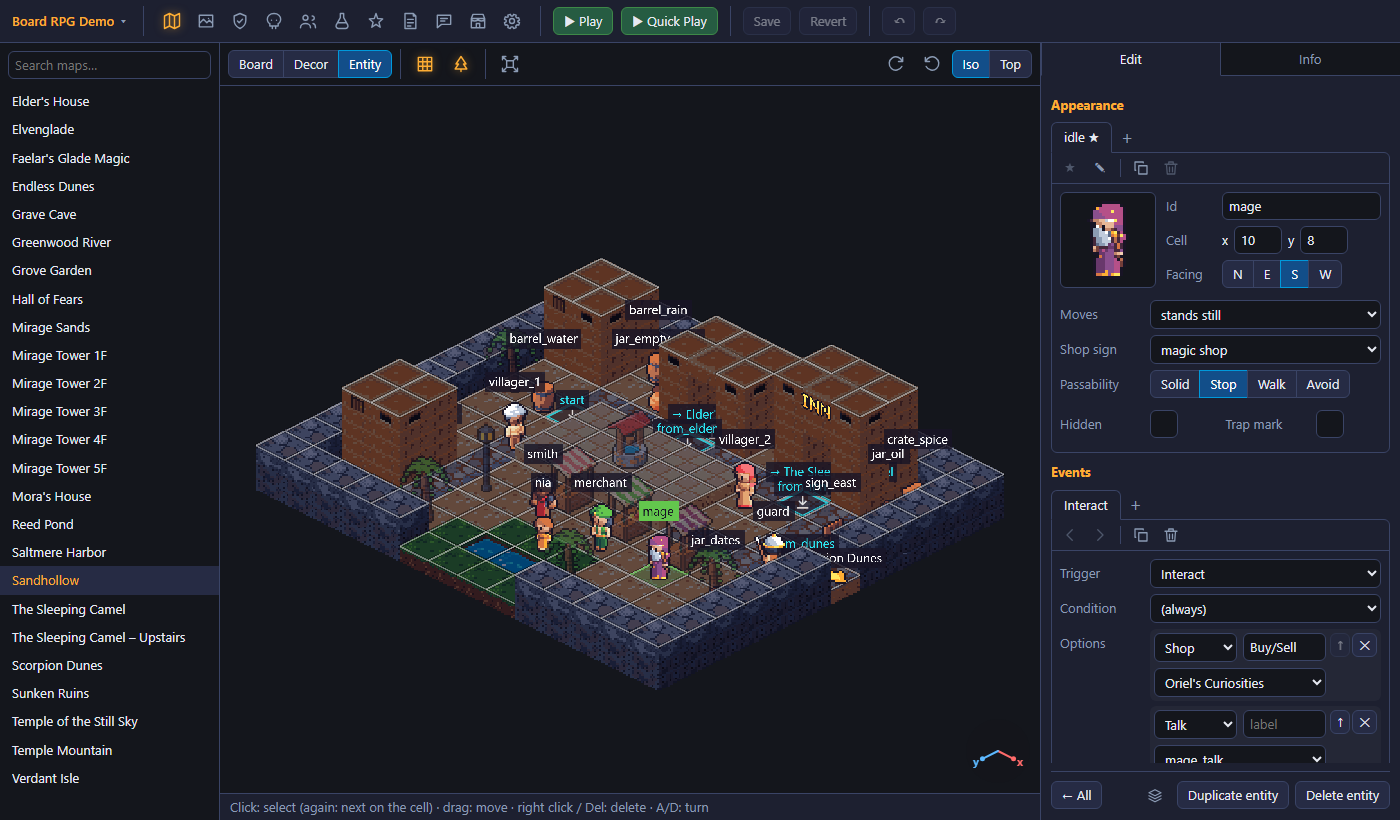
Edit it in your browser
Paint your maps block by block, then add villagers, gates, traps and enemies and write their dialogs and quests. Projects are saved in your browser or in a folder on your computer.
Test it as you go
▶ Play opens your game in a new tab, including changes you haven't saved. Quick Play starts on the map you're editing with the party you pick.
Share it as a .brpg file
Export your project as a single file with everything in it. The Board RPG player opens it on Windows, macOS and Linux.
The editor
Make things on the map react
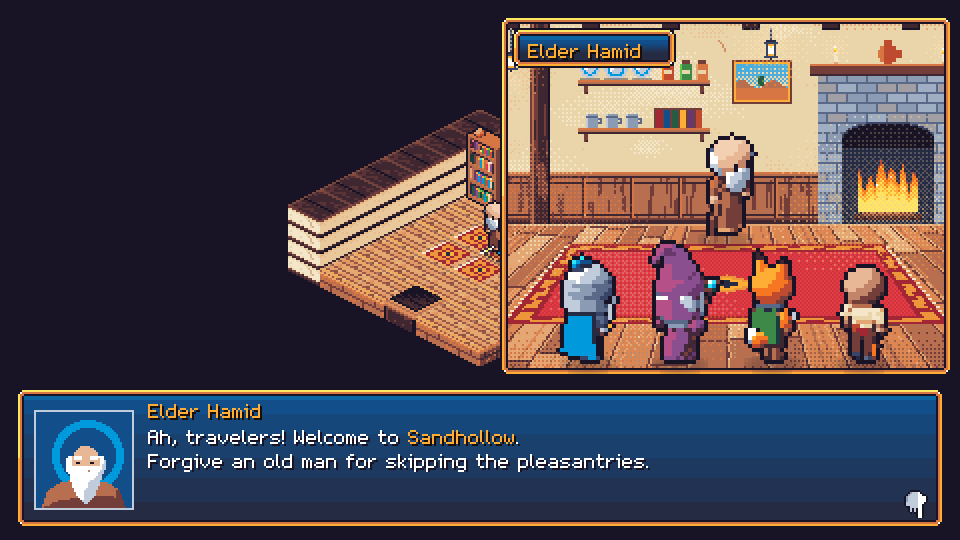
A chest can start closed and then open. Things can happen when you talk to someone, step on a tile or meet a condition. Scripts handle questions, choices and moving characters, and you don't need to program any of it.
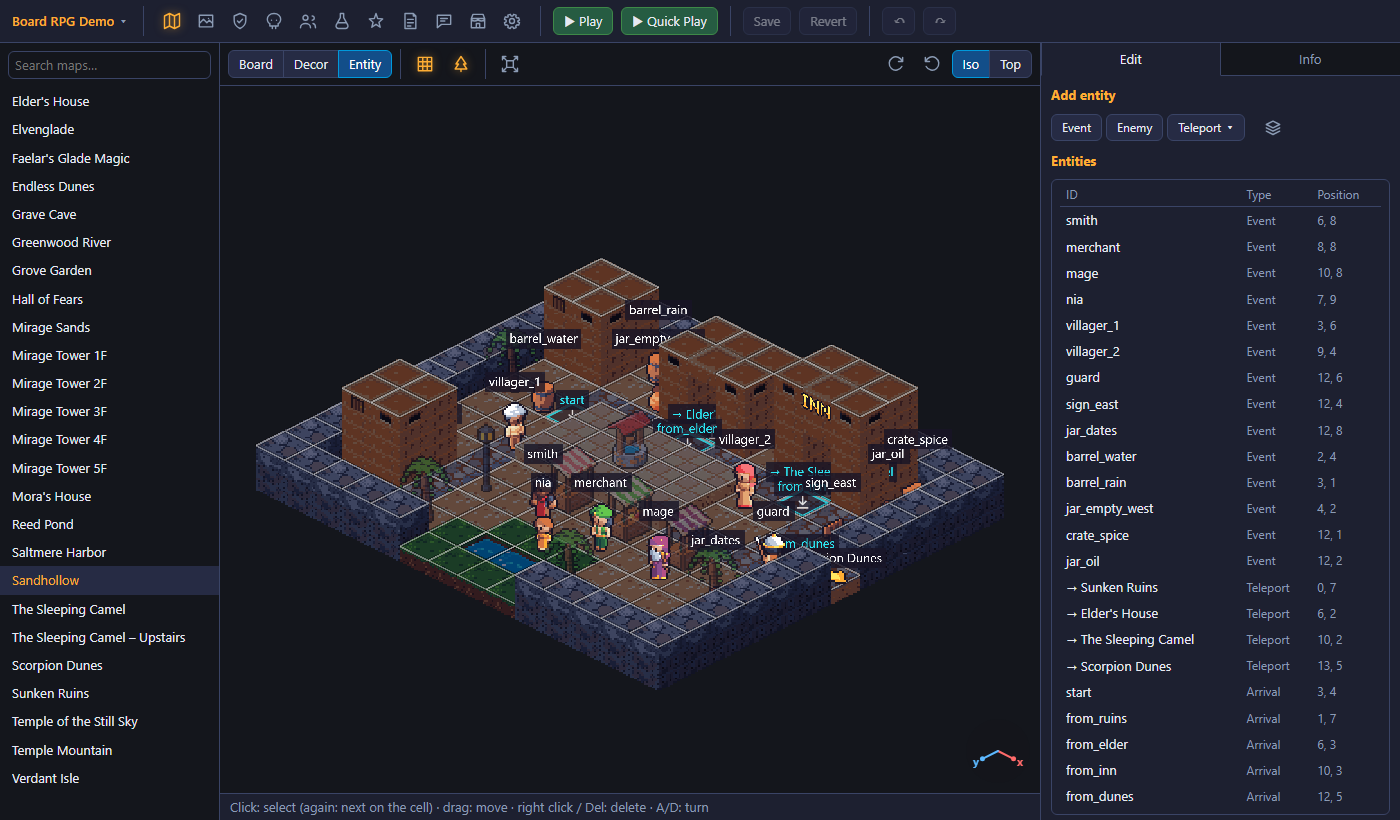
Isometric map editor
Place terrain, heights, slopes and decor in an isometric or top-down view. Prefabs give you ready-made setups like a plate that holds a gate open.
Start with the library
Heroes, classes, enemies, items, abilities, tiles, sprites and music are ready to use. If you want to change something, copy it into your project and edit it there.
The game
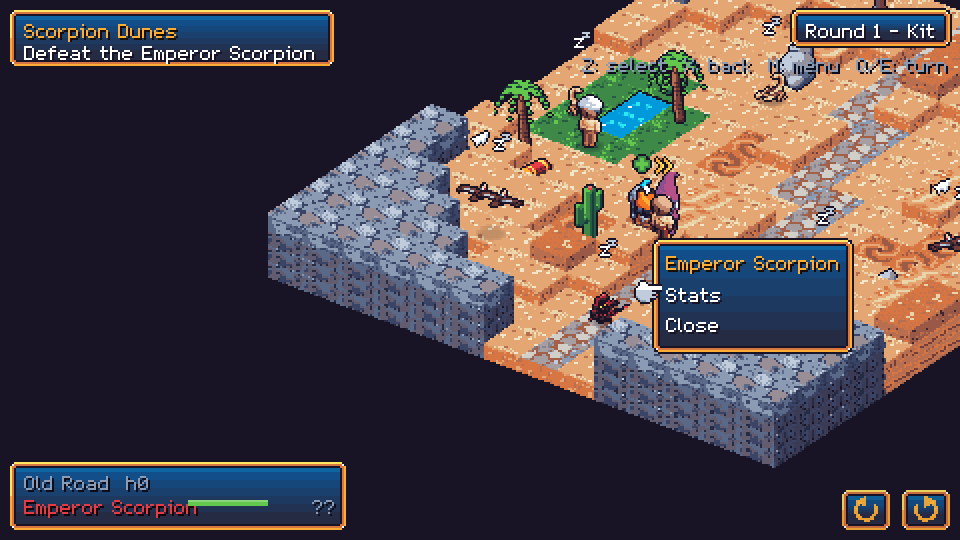
Tactics on the board
Move your heroes as a party or split them up. Use ice, quicksand, water and lightning to your advantage.
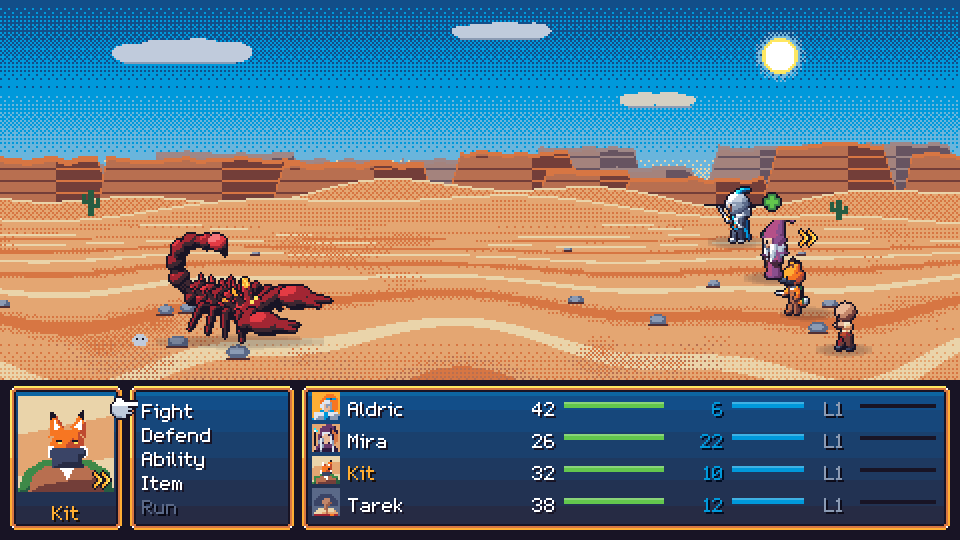
Classic battles
When two opposing pieces meet, the game switches to a side-view battle with abilities, status effects, items and turn order.
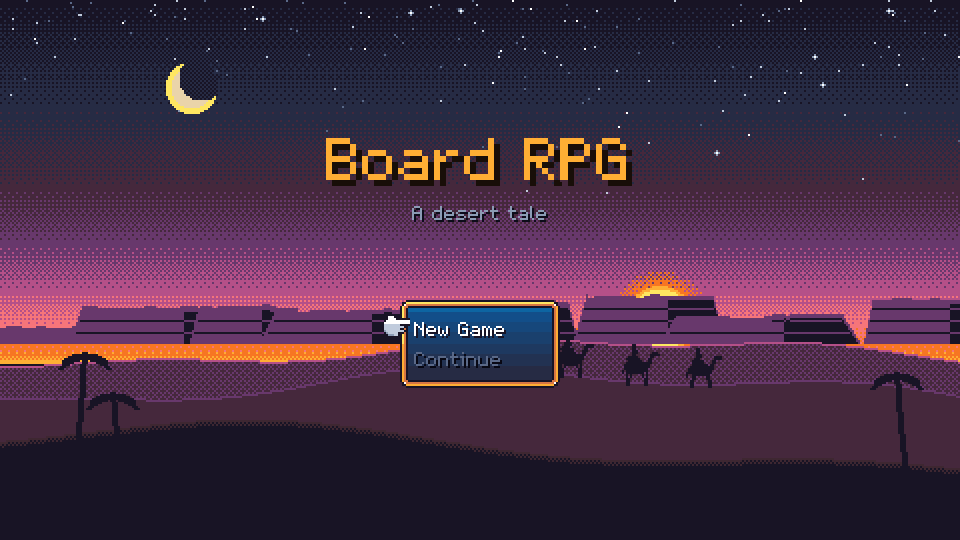
The demo: a desert tale
A short adventure through villages, ruins, a mirage tower and a mountain temple. It was made with the editor.